


What Is Fidelity Active Trader Pro — and What’s Replacing It?
Fidelity Active Trader Pro is a free, downloadable desktop trading platform built for investors who trade frequently. It gives you real-time market data, advanced charting, customizable layouts, and powerful order tools — all in one place.
But here’s the big news: Active Trader Pro is being retired. Fidelity is replacing it with a next-generation suite called Fidelity Trader+, which runs across desktop, mobile, and web.
Quick answers at a glance:
- What it is: A free desktop trading platform from Fidelity with real-time data, charts, and advanced order tools
- Who qualifies: Anyone who places 36 or more trades in a rolling 12-month period (automatic access)
- What’s replacing it: Fidelity Trader+ — available on desktop, mobile, and browser
- Cost: $0 for the platform itself; $0 commission on US stock trades; $0.65 per options contract
- How to get it now: Download from fidelity.com/atp using your existing Fidelity login
If you’ve relied on Active Trader Pro to monitor your portfolio and manage trades, don’t panic. The transition is designed to be smooth — and in many ways, the new tools are more powerful.
That said, there are a few important things to know before you switch, especially if you have saved layouts or custom settings you don’t want to lose.
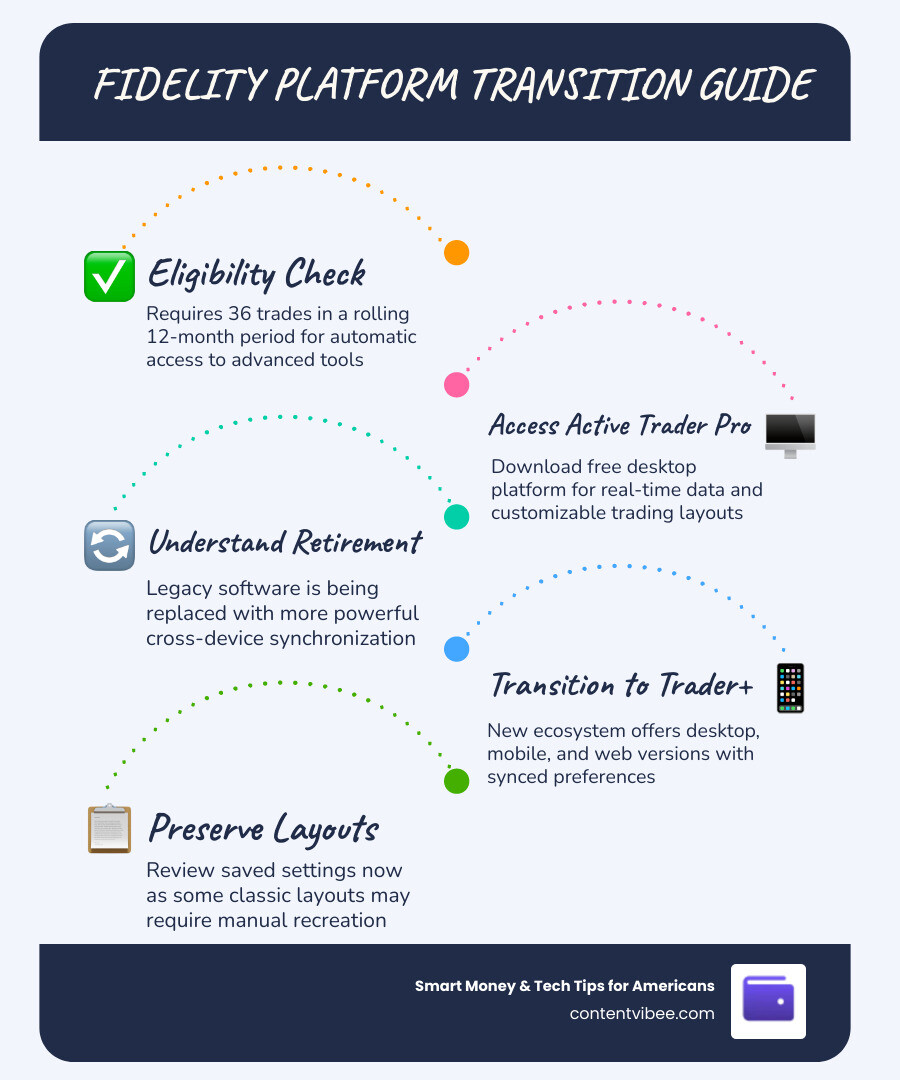
The Evolution of Fidelity active trader pro to Fidelity Trader+
For years, Fidelity active trader pro has been the gold standard for Fidelity’s most dedicated users. It was the “heavy lifter”—the legacy software that allowed for intense data crunching and multi-monitor setups. However, as we move into May 2026, the shift toward a more unified experience has arrived.
Fidelity is transitioning users toward Fidelity Trader+, a rebuilt platform designed to offer total control and deeper insights. The biggest upgrade here is cross-device synchronization. In the old days of the classic platform, your desktop settings lived only on your desktop. With the new ecosystem, your watchlists, preferences, and even certain layout elements sync across the desktop app, the mobile experience, and the web-based version.
Pros and Cons of the Transition
As with any major software update, there is a learning curve. Here is what we’ve observed:
Pros:
- Unified Experience: The charting tools and trade tickets look and feel the same whether you are on a 32-inch monitor or an iPhone.
- Multi-Monitor Support: The desktop version now runs natively on both Windows and macOS, supporting layouts across up to four monitors.
- No-Download Option: You can access the full power of the platform via a browser if you are away from your home office.
- Enhanced Speed: The underlying technology is optimized for modern hardware, reducing the “lag” sometimes felt in the classic version.
Cons:
- Layout Migration: If you are using “Classic” layouts in Fidelity active trader pro, they will not automatically transfer. You will need to recreate them.
- Learning Curve: Some menu items have moved to provide a cleaner, more modern interface.
You can explore the full suite of these updated tools at Fidelity Trader+ | Free Trading Platforms | Fidelity Investments .
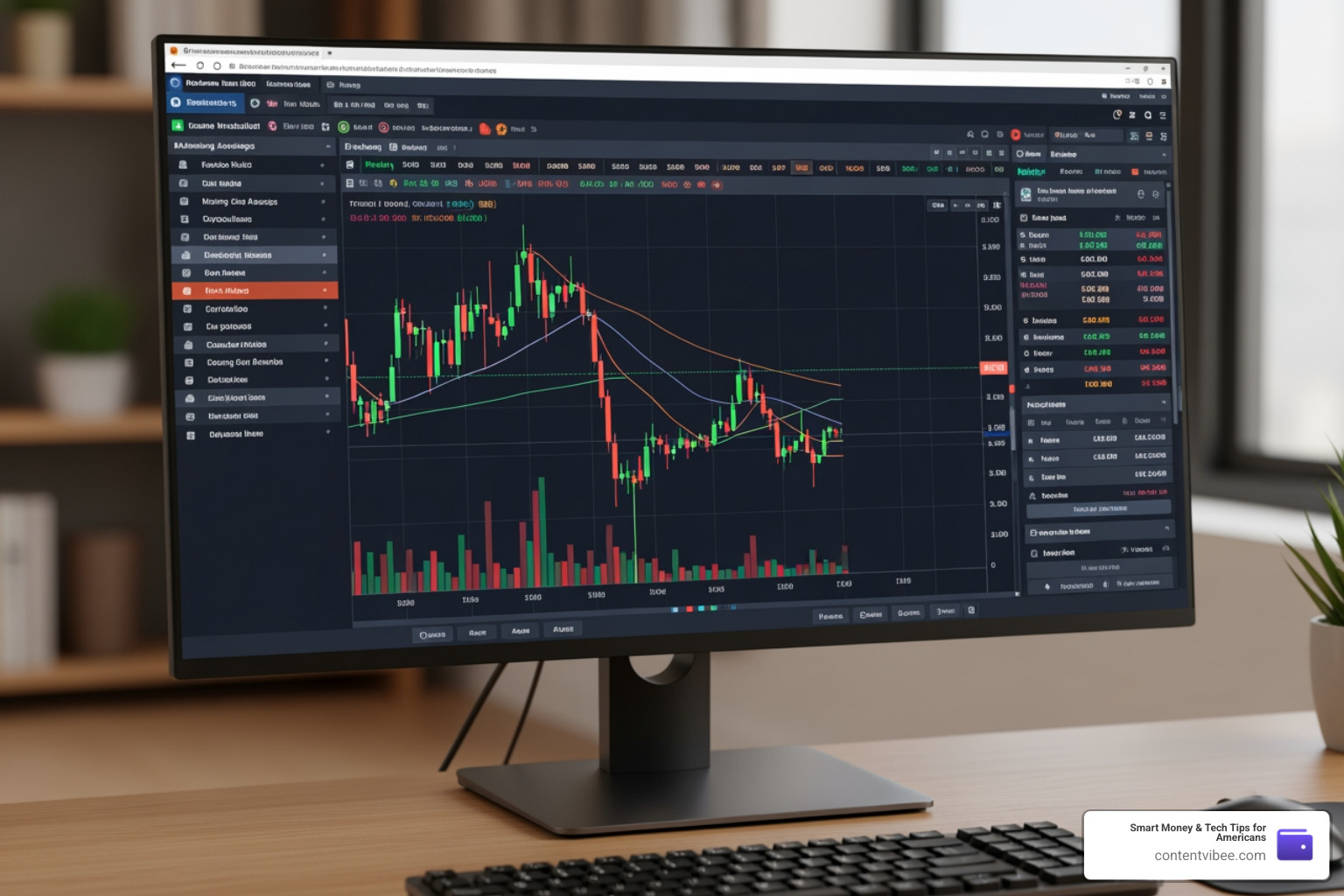
Advanced Features and Trading Capabilities
Whether you are sticking with the current Fidelity active trader pro or moving to Trader+, the feature set remains robust. One of the standout tools is Trade Armor, which provides a visual way to manage risk. Instead of just looking at numbers on a spreadsheet, you can see your potential profit and loss levels directly on a chart and drag-and-drop your exit points.
| Feature | Trader+ Desktop | Trader+ Mobile | Trader+ Web |
|---|---|---|---|
| Streaming Data | Yes (Real-time) | Yes (Real-time) | Yes (Real-time) |
| Multi-Monitor | Up to 4 screens | No | Browser-limited |
| Advanced Charting | 60+ Indicators | Enhanced Mobile | Full Browser Suite |
| Strategy Modeling | Full Options Suite | Basic Options | Full Options Suite |
For a deeper look at how these tools fit into your overall financial picture, check out our Fidelity Cost Transparency Review.
Technical Analysis in Fidelity active trader pro
For the “chart geeks” among us, the technical analysis tools are world-class. You have access to more than 60 technical indicators and advanced studies. A particularly cool feature is the historical time slider, which allows you to go back in time on a chart to see exactly where your historical trades and tax lots were executed. This is incredibly helpful for reviewing your performance and seeing if you actually followed your trading plan!
Furthermore, active traders get access to Level II quotes. This includes data from NASDAQ TotalView and NYSE ArcaBook, providing a deeper look at the order book so you can see where the “big money” is placing its bets.
Order Routing and Execution
Fidelity doesn’t just send your order into a black hole. They use Fidelity Dynamic Liquidity Management (FDLM) to seek out the best price improvement. For those who want even more control, the Directed Trade ticket allows you to choose specific exchanges or ECNs.
Advanced strategies like VWAP (Volume Weighted Average Price) and Target Volume (TVOL) are available to help you execute large positions without moving the market. Additionally, Fidelity supports fractional shares (whole-dollar investing) and trading on 25 international exchanges in 16 different currencies. If you’re wondering how this affects your bottom line, read about Why Fidelity Investments Advisory Fees matter in the context of active trading.
System Requirements and Installation Guide
Getting Fidelity active trader pro onto your machine is straightforward, but you need to make sure your hardware is up to the task.
For PC Users:
- Available in both 64-bit and 32-bit versions.
- Requires a stable high-speed internet connection for streaming data.
For Mac Users:
- Fidelity uses CrossOver technology for the Mac version. This is great because it avoids the need for a full Windows Virtual Machine (VM), saving you money on Windows licenses and keeping your Mac running fast.
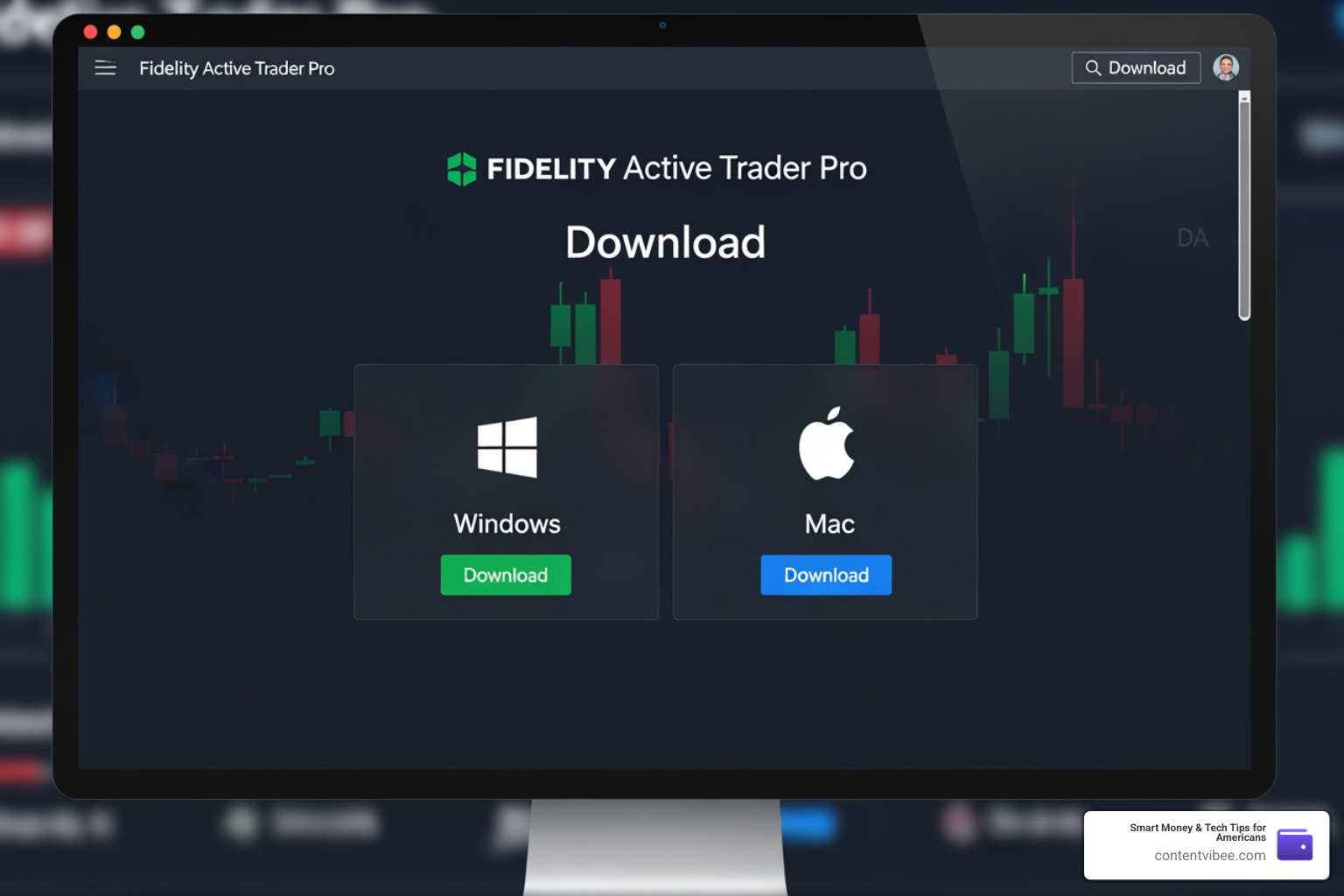
Downloading Fidelity active trader pro for PC and Mac
- Visit the official download page at Active Trader Pro ® .
- Log in using your standard Fidelity.com credentials.
- Run the installer. On a Mac, you’ll find it in your Launchpad after installation; on a PC, it will be on your desktop.
- Pro Tip: Ensure your browser’s pop-up blockers are turned off during the login process to allow the streaming connection to initialize properly.
For more technical details, the Active Trader Pro ® FAQs: General – Fidelity Investments page is an excellent resource for troubleshooting. You can also learn more about the platform’s background in our article Is Fidelity Actually Transparent About Their Costs?.
Customizing Your Trading Workspace
The real power of Fidelity active trader pro lies in its flexibility. You aren’t stuck with a one-size-fits-all box. You can save up to 30 different components in a single custom layout.
- Sidebars: You can snap sidebars to the left or right of your screen to keep your most-used tools (like a watchlist or news feed) always visible.
- Tool Linking: Use the “chain link” icon to link tools by security. If you change the symbol in your chart, your news feed and option chain will automatically update to that same symbol.
- Drag-and-Drop: Everything is modular. If you don’t like where the trade ticket is, just click and drag it to a new spot—or even a different monitor.
We always recommend comparing the value of these tools against the costs involved, which you can do by reading Why the Fidelity Investments Fees Comparison is vital for active traders.
Support and Learning Resources for Fidelity active trader pro
You don’t have to figure this out alone. Fidelity provides a massive library of resources:
- Fidelity Learning Center: Home to video demos and “how-to” guides.
- Live Webinars: Regular sessions on technical analysis and options strategies.
- Trading Strategy Desk: You can actually talk to human beings who specialize in trading.
- 24/7 Phone Support: Technical assistance is available at 800-544-7595.
If you prefer in-person help, there are over 100 brick-and-mortar locations across the U.S. where you can discuss your strategy. For a step-by-step walkthrough on getting started, visit How to Add Active Trader Pro – Fidelity Investments .
Frequently Asked Questions
Who is eligible for Active Trader Pro access?
While some brokers charge a monthly fee for “pro” software, Fidelity makes it available to anyone who trades 36 times or more in a rolling 12-month period. If you don’t quite meet that criteria but feel you need the tools, you can call Active Trader Services at 800-564-0211 to request access.
Will my layouts carry over to the new platform?
If you have been using the Active Trader Pro Beta, your layouts should transfer seamlessly to the new Fidelity Trader+ Desktop. However, “Classic” layouts do not carry over. We recommend taking a screenshot of your current setup so you can manually recreate it in the new interface.
What are the costs for using these advanced tools?
Fidelity has remained very competitive here. There are $0 commissions for online US equity trades. Options trades are also $0 commission, though there is a $0.65 fee per contract. There are no platform fees or data fees for qualifying active traders.
Conclusion
At Smart Money & Tech Tips for Americans, we know that changing your primary trading tool can feel like trying to switch cars while driving 70 mph down the highway. But the evolution from Fidelity active trader pro to the new Trader+ ecosystem is all about giving you more flexibility and better tech.
By mastering these customization options and leveraging the 24/7 support available, you can ensure your portfolio monitoring remains top-notch. The best tool is the one you know how to use. Take the time to explore the Learning Center and set up your sidebars and links before the market opens.
For more practical strategies on managing your wealth and navigating the latest financial tech, keep exploring our guides, starting with our Why the Fidelity Investments Fees Comparison to make sure you’re getting the most bang for your buck. Happy trading!


